
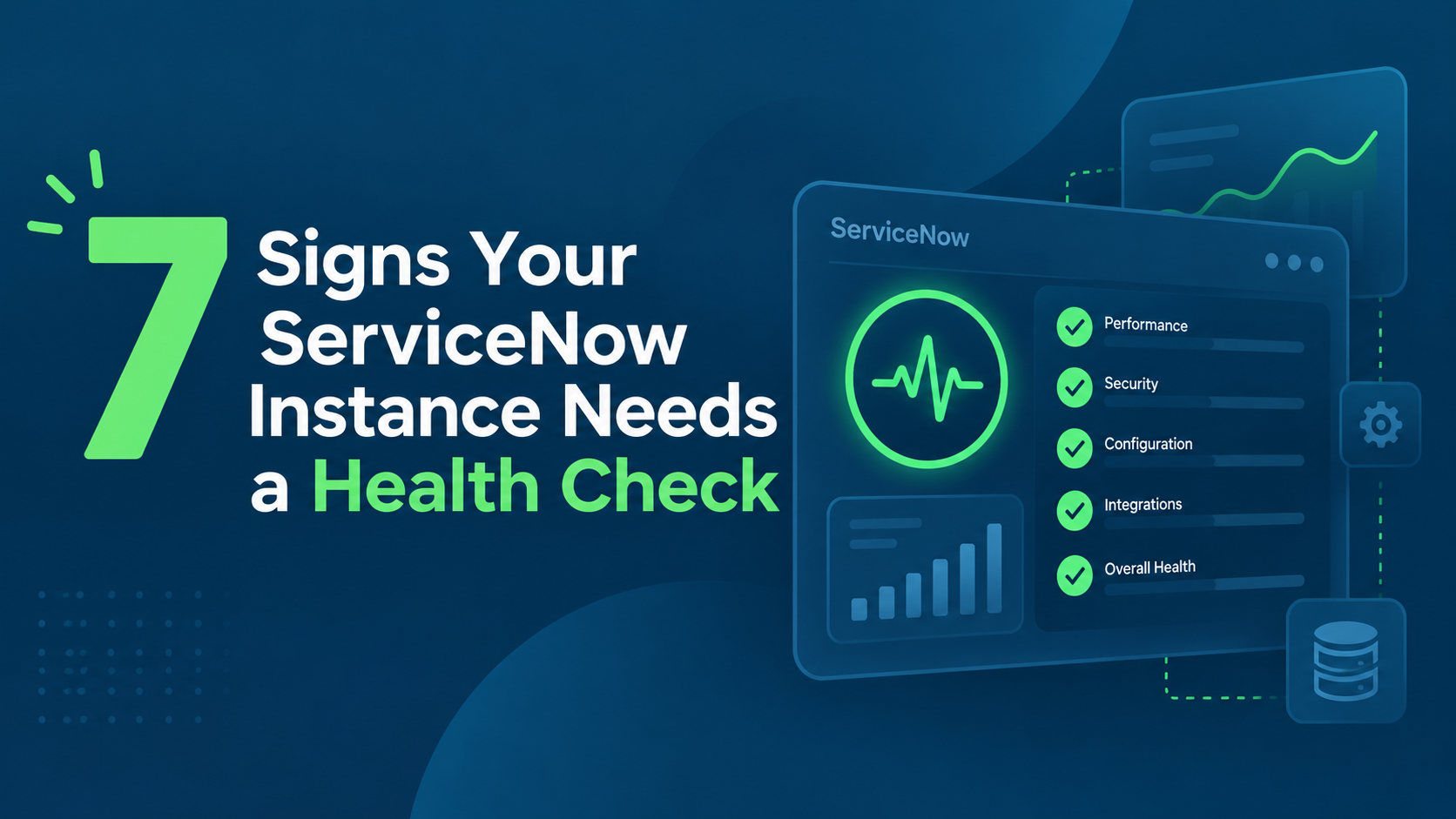
7 Signs Your ServiceNow Instance Needs a Health Check
Your ServiceNow instance rarely becomes unhealthy overnight. The warning signs usually appear gradually — and by the time they become obvious, the underlying problems are already expensive.
Your ServiceNow instance rarely becomes unhealthy overnight.
The warning signs usually appear gradually: pages take longer to load, integrations fail more often, upgrades become increasingly painful, and every new requirement seems to need another customization.
Individually, these issues may look manageable. Together, they often point to something bigger: growing ServiceNow technical debt and declining instance health.
ServiceNow itself evaluates platform health across areas including performance, security, upgradability, manageability, and usability through capabilities such as ServiceNow Platform Health.
A ServiceNow instance should become more valuable as it grows — not more difficult to change.
Here are the seven signs — and the ServiceNow diagnostic tools that expose each one:
| # | Sign | Primary warning indicator | ServiceNow tool to check |
| 1 | ServiceNow is noticeably slower | Users complaining about load time; reports timing out | Transaction logs, Performance diagnostics |
| 2 | Integrations fail more often | REST/SOAP errors, failed jobs, inconsistent data | System logs, Integration health |
| 3 | Lost track of customizations | Nobody can explain why a business rule exists | HealthScan, Customization assessment |
| 4 | Every upgrade is a project | Weeks of analysis, regressions, hundreds of skipped changes | HealthScan, Upgrade Readiness |
| 5 | Small changes cause side effects | One change breaks an unrelated workflow or integration | Scan Engine, Dependency mapping |
| 6 | Technical debt backlog keeps growing | Known issues accumulate with no prioritized remediation plan | Platform Health, Scan Engine baseline |
| 7 | Nobody can describe instance health | Three people, three different answers about platform condition | Executive dashboards, Scan Engine findings |
1. ServiceNow Is Getting Noticeably Slower
Slow forms. Delayed lists. Reports that take too long to load. Transactions that were once almost instant now make users wait.
Performance degradation is one of the clearest signals that your instance deserves closer attention.
The root cause may not be ServiceNow itself. Inefficient database queries, slow scripts, poorly designed business rules, excessive synchronous processing, or accumulated custom logic can all affect performance.
ServiceNow provides transaction logs and response-time metrics that expose information such as SQL time, business rule execution time, SQL count, network time, and overall transaction response time.
The platform also provides performance diagnostic tools that can help identify slow queries, scripts, and transactions.
If users regularly complain that “ServiceNow is slow,” treating the symptom alone is rarely enough.
You need to understand what is making it slow.
2. Your Integrations Fail More Often Than They Used To
ServiceNow environments rarely operate in isolation.
ERP systems, HR platforms, monitoring tools, identity providers, APIs, external applications, and third-party services may all exchange information with your instance.
As the integration landscape grows, so does complexity.
Warning signs include:
- recurring REST or SOAP errors;
- failed scheduled integrations;
- authentication problems;
- inconsistent or duplicate data;
- jobs requiring frequent manual restarts;
- interfaces nobody wants to modify because their dependencies are unclear.
ServiceNow system logs provide visibility into outbound web-service requests, import activity, transactions, warnings, and errors — valuable signals when investigating unreliable integrations.
An integration that works only when nobody touches it is already technical debt.
A health check should identify not only failed integrations, but fragile ones.
3. You Have Lost Track of Your Customizations
Customization is not automatically bad.
Uncontrolled customization is.
A business rule written three years ago may still be running. A workaround created for an old requirement may no longer be required. Multiple developers may have solved similar problems in different ways.
Eventually, nobody can confidently answer:
“Why does this customization exist?”
That is a major warning sign.
ServiceNow recommends teams configure before customizing and highlights that customization can create technical debt and increase future upgrade effort.
If your customization inventory is unclear, a ServiceNow health assessment should identify what should be:
retained, refactored, replaced, retired, or returned to out-of-the-box functionality.
4. Every Upgrade Becomes a Project of Its Own
A healthy ServiceNow instance should be upgradeable.
If every release creates weeks of analysis, unexpected regressions, hundreds of skipped changes, emergency fixes, and extensive manual testing, technical debt may already be affecting your roadmap.
During upgrades, ServiceNow may identify skipped records and customized components that require teams to review whether changes should be retained, reverted, or reconciled with the new platform version.
The more unnecessary customization you carry, the more upgrade complexity you may inherit.
This is particularly important because delaying upgrades does not simply postpone work. It can also delay access to new platform capabilities and improvements.
ServiceNow specifically positions HealthScan as a way to identify unnecessary customization, technical debt, and opportunities to improve instance health and upgrade readiness.
If upgrading ServiceNow feels dangerous, the real problem probably started long before the upgrade.
5. Small Changes Produce Unexpected Side Effects
A developer changes one workflow.
Suddenly, another process behaves differently.
A field is updated and an unrelated integration starts failing.
A business rule is modified and transaction times increase.
These cascading effects usually indicate hidden dependencies, insufficient governance, or excessive complexity.
They are especially dangerous because teams gradually become afraid to improve the platform.
Instead of asking, “What is the best solution?” they start asking:
“What can we change without breaking something?”
That is when technical debt begins controlling your platform strategy.
ServiceNow’s broader instance health and scanning capabilities can help teams identify findings, establish a baseline, and monitor platform condition over time.
A health check provides an opportunity to map dependencies, examine scripts and configurations, and identify high-risk components before the next change exposes them.
6. Your Technical Debt Backlog Keeps Growing
Most ServiceNow teams know they have technical debt.
The real question is whether they know how much, where it is, and what should be fixed first.
ServiceNow Platform Health is designed to help organizations monitor technical KPIs, review findings, and receive recommendations for improving platform health.
ServiceNow’s Scan Engine can establish a baseline and help teams monitor findings over time rather than treating platform health as a one-time cleanup exercise.
That distinction matters.
A backlog containing old scripts, deprecated logic, upgrade conflicts, integration workarounds, performance problems, and unnecessary customizations should not simply be labeled “technical debt.”
It should be measured, classified, and prioritized by business risk.
7. Nobody Can Clearly Describe the Health of the Instance
Ask three people about your ServiceNow platform and you may get three answers:
“Everything works.”
“It works, but don’t touch that workflow.”
“Production is fine, but upgrades are terrible.”
That uncertainty is itself a warning sign.
Platform owners need objective visibility into questions such as:
- Where are our biggest performance risks?
- Which customizations create the most maintenance effort?
- What is blocking easier upgrades?
- Where are integrations fragile?
- Which issues should we fix first?
- Is technical debt increasing or decreasing?
ServiceNow provides executive dashboards for Scan Engine findings, allowing teams to monitor instance health, outstanding findings, technical debt trends, and remediation progress.
A Health Check Is Not Just About Finding Problems
A strong ServiceNow instance health check should not produce a 100-page document full of warnings that nobody acts on.
It should answer three practical questions:
What is wrong?
What creates the greatest business risk?
What should we fix first?
The objective is not to eliminate every customization or rewrite your instance from scratch.
It is to make the platform faster, simpler, safer to upgrade, easier to maintain, and ready for future development.
Technical debt becomes expensive when it starts deciding what your business can and cannot change.
If your ServiceNow environment is experiencing slower performance, unstable integrations, excessive customization, difficult upgrades, or increasing technical debt, the right time to assess instance health is before the next critical project exposes the problem.
A proactive ServiceNow health check gives platform owners something far more valuable than a list of defects: a clear roadmap for what to fix, what to simplify, and what to protect next.
Oleksii Konakhovych, CTO, Sep 14, 2026
Eager to take the next step? Contact us today!
Latest Articles

Teiva Systems at ServiceNow Developer Meetup Munich: Exploring AI-Powered Platform Operations
On October 29, 2026, Teiva Systems participated in the ServiceNow Developer Meetup (SNUG) in Munich, hosted by Agineo. The event brought together ServiceNow developers, architects, and technology enthusiasts to explore the latest platform innovations, AI-powered automation, and the future of autonomous ServiceNow operations.
read more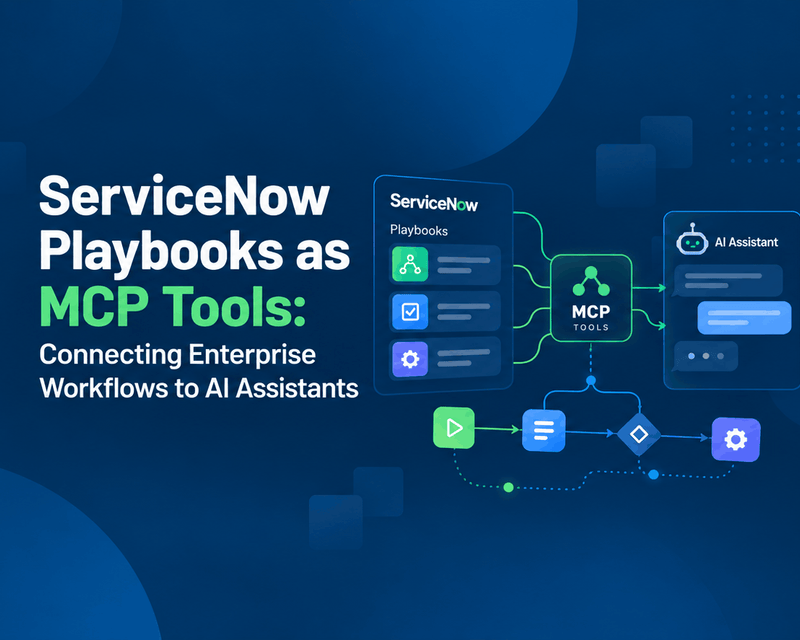
ServiceNow Playbooks as MCP Tools: Connecting Enterprise Workflows to AI Assistants
Imagine an employee opening Claude, describing a business trip, attaching a receipt and asking for reimbursement. No switching applications. No hunting for the right ServiceNow form. No typing the same information twice.
read more
ServiceNow Lux vs UI Builder and Service Portal: What Enterprises Need to Know
Does Lux replace UI Builder or Service Portal? Short answer: no. The full answer depends on what you are building. The way enterprises build experiences on ServiceNow is changing. For years, Service Portal has handled employee and customer self-service, while UI Builder has powered modern workspaces and configurable applications.
read more