
How does the TNI Data Model looks like in ServiceNow?
With ServiceNow Telecommunications Network Inventory (TNI) you can create a digital inventory model that enables you to plan, deploy, and manage telco networks and services.
ServiceNow TNI acts as a single source of truth, it let you to utilise existing sources better, and enables you to reduce operations costs.
Here, the CMDB is the crucial part where you can store and relate network assets in one single place.
The central CMDB classes are:
– Network Site (cmdb_ci_ni_site) represents the physical locations where network inventory is operated.
– Telco Equipment Holder (cmdb_ci_ni_equipment_holder) represents racks, cabinets, vaults, pedestals etc. Telco Equipment Holders are also used to describe slots and sub-slots which hold Interface Cards.
– Telco Equipment (cmdb_ci_ni_equipment) represents network elements, shelves, chassis, and devices used in the network. Telco Equipment may exist by itself within a Network Site, or it can be installed in a Telco Equipment Holder.
– Physical Connection (cmdb_ci_ni_physical_link) represents point-to-point network connections. Physical Connections are included in or consumed by Logical Connections to show the collection of individual segments that comprise the end-to-end connection.
– Logical Connection (cmdb_ci_ni_logical_path) represents an end-to-end circuit or connection, including all the network inventory elements allocated to the connection. Logical Connections use or consume network inventory elements, displayed in the Connection Elements related list on the Logical Connection form.

You will find further classes in the ServiceNow documentation.
Understanding the TNI model enables you to better design the TNI solution incl.
- Understanding the CMDB schema and data model for network infrastructure components.
- Mapping physical and logical network components to their corresponding CMDB entities.
- Developing integrations or interfaces with the CMDB for automated data collection, reporting, or maintenance tasks.
- Planning and designing changes or extensions to the CMDB schema to accommodate new types of network equipment or components.
- Training and documentation for IT teams responsible for managing and maintaining the CMDB.
Following is the data model of the ServiceNow TNI application that also includes the CMDB classes from above.

With built-in number management, you have a capability to create a telephone number pools and telephone numbers, to manage telephone number allocation to customer, to generate telephone numbers with or without block and service relationship, and to de-allocate and quarantining telephone number.
The Telephone Number storage and management is also a part of ServiceNow CMDB model.

An inventory manager can also create IP Pool, IP Subnet, and IP Address Allocation and do ‘CIDR to Range conversion’ to have a record of an individual usable and unusable IP address.

Moreover, the inventory manager can manage Radio Access Network of 5G xNF and logical Interfaces as per the data model inspired by 3gpp. The RAN data is also represented in ServiceNow CMDB.
And the nice part of the platform – there is a seamless integration to ServiceNow HAM. You can trigger an asset request process using the inventory template.
Instead of manually selecting each catalog item to create a request, all models are identified from the template definition and asset requisition can be generated for the same.
Kostya Bazanov, Managing Director, Mar 09, 2024
Eager to take the next step? Contact us today!
Latest Articles
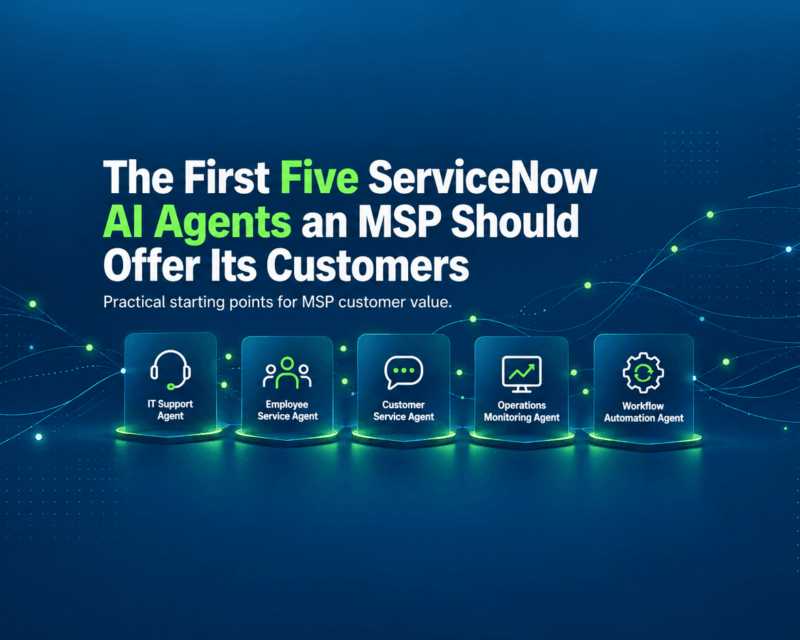
The First Five ServiceNow AI Agents an MSP Should Offer Its Customers
Managed service providers can now package ServiceNow AI agents as repeatable, recurring services — moving from ticket-response capacity to managed outcome delivery. Here is what the first five offerings look like, how each creates value, and what to get right before deploying them.
read more
How to Test a ServiceNow AI Agent Before Giving It Production Access
A successful demonstration proves that an agent can perform a task under specific conditions. It doesn’t prove the agent will behave correctly when faced with incomplete data, conflicting instructions, restricted records, broken integrations, or unexpected user requests.
read more
ServiceNow AI Readiness Assessment: 25 Questions to Answer Before Deploying AI Agents
Your AI agent is only as reliable as the environment it operates in. This assessment covers 25 essential questions across five areas to help IT leaders, architects, and platform owners prepare for production.
read more