
10 Must-Know Customization Tips for Bulletproof ServiceNow Apps
Customization of apps is a challenging task but it’s worth trying. According to a recent survey, 89% of marketers reported a revenue increase due to the customization of their apps.
That’s why we believe that you should learn something more about ServiceNow app customization. Let’s take a closer look at 10 tips that will make ServiceNow performance optimization an easy and understandable task.

1. Learn More About the Platform Capabilities First
Before customizing, thoroughly understand ServiceNow’s out-of-the-box features and functionalities. Leverage these as much as possible to reduce the need for extensive custom code and ensure compatibility with future platform upgrades.
2. Design for Upgradability
While implementing the ServiceNow best practices, prioritize configurations over code modifications whenever feasible. Utilize ServiceNow’s built-in configuration options (e.g., Business Rules, Client Scripts, UI Policies) to achieve the desired functionality. This minimizes the risk of customizations breaking during platform upgrades.
3. Follow ServiceNow Best Practices
Adhere to ServiceNow scripting standards and guidelines. This includes naming conventions, scripting best practices, and utilizing supported APIs.
4. Isolate Customizations within Scoped Applications
ServiceNow workflow customization works better for apps within their own dedicated scopes. This prevents naming collisions and ensures that your customizations are isolated from the base system.
5. Minimize Client-Side Scripting
While client scripts at the ServiceNow mobile app development can enhance user experience, excessive client-side logic can impact performance. Opt for server-side processing (e.g., Business Rules, Workflow) whenever possible to maintain application responsiveness.
6. Implement Robust Error Handling and Logging
When dealing with the ServiceNow agile customization, it’s important to identify and resolve issues quickly and efficiently, ensuring the stability of your application.
7. Thoroughly Test All Customizations
ServiceNow portal and dashboard customization won’t give you any benefits if you don’t implement rigorous testing procedures for all customizations, including unit testing, integration testing, and user acceptance testing (UAT).
8. Document Your Customizations Clearly
Maintain detailed documentation for all ServiceNow UI/UX customization and code modifications. This includes the purpose of the customization, how it works, and any dependencies.
9. Utilize ServiceNow’s Development Tools Effectively
Leverage ServiceNow UI development tools like the Script Debugger, Background Scripts, and System Logs to troubleshoot issues and optimize your customizations.
10. Plan for Future Scalability and Maintenance
Design your custom applications with future growth and maintenance in mind. Avoid hardcoding values and instead use configurable options or reference data.
Oleksii Konakhovych, CTO, Apr 22, 2025
Eager to take the next step? Contact us today!
Latest Articles

ServiceNow Lux vs UI Builder and Service Portal: What Enterprises Need to Know
Does Lux replace UI Builder or Service Portal? Short answer: no. The full answer depends on what you are building. The way enterprises build experiences on ServiceNow is changing. For years, Service Portal has handled employee and customer self-service, while UI Builder has powered modern workspaces and configurable applications.
read more
Teiva Systems at ServiceNow World Forum 2026 — London
On October 20, 2026, Teiva Systems attended ServiceNow World Forum London at ExCeL London, where industry leaders, technology experts, and the ServiceNow community came together to explore how AI, intelligent automation, and digital workflows are transforming enterprise operations.
read more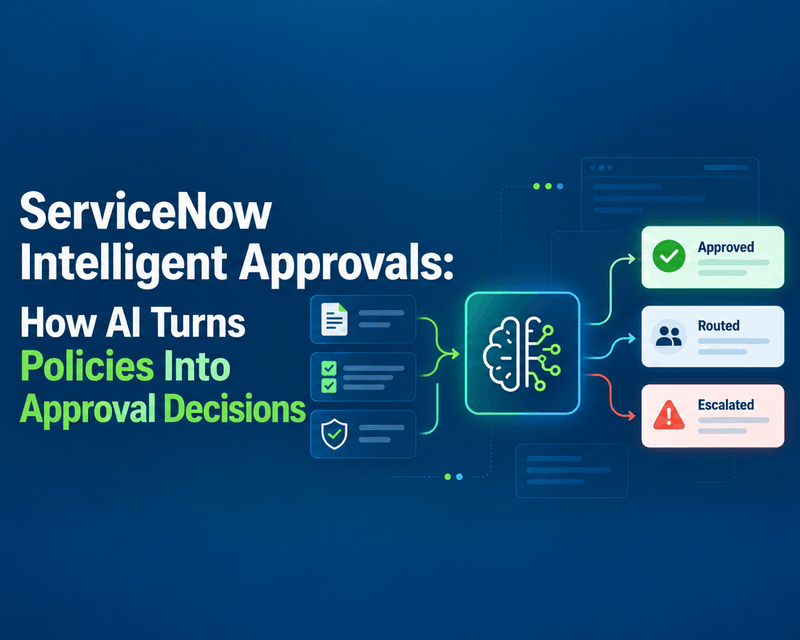
ServiceNow Intelligent Approvals: How AI Turns Policies Into Approval Decisions
What if your approval policies could make decisions, instead of sitting in documents waiting for someone to interpret them? For years, approval automation has followed the same pattern. Business teams write policies. Developers translate them into workflow conditions. Employees wait for someone to approve or reject their request, even when the outcome is obvious.
read more