
Revolutionizing Emergency Tickets:
How the ServiceNow App Helped a Manufacturer to Improve Incident Management
CHALLENGES
Develop a fully custom solution for voice notifications
Create a user-friendly admin panel with custom configurations.
Create reusable templates of voice messages.
Add a logging system.
Ensure that every ticket update will not trigger multiple calls.
Send messages in a specific order.
BUSINESS VALUE
Emergency ticket response accuracy increased 12 times.
Significantly decreased monetary loss by fixing issues urgently.
The company can manage notifications without the vendor’s help.
EXECUTIVE SUMMARY
Teiva Systems integrated the Twilio service that allows performing phone and video calls, voice and text messages.
Since the company wanted to manage all configurations without addressing the external development team, we have created a custom admin tool so the internal team can easily deactivate voice message triggers or create new notifications. Also, we’ve developed a logging system to add transparency to this process.
As a result, now our client can create voice message notifications for incidents, requested items, change requests, problems, catalog tasks, and change tasks.
The internal team can set up any conditions that will be triggered when the ticket is created or updated.
The admin form allows choosing a template for voice messages. Pre-edited templates contain dynamic data such as ticket number, receiver’s name, urgency, and priority.
Also, the helpdesk team can specify people who receive the notifications in order of importance. To track who receives the calls, we’ve created custom logs. In this way, the company will always know which helpdesk person and when received the call.
SOLUTION
Teiva Systems integrated the Twilio service that allows performing phone and video calls, voice and text messages.
Since the company wanted to manage all configurations without addressing the external development team, we have created a custom admin tool so the internal team can easily deactivate voice message triggers or create new notifications. Also, we’ve developed a logging system to add transparency to this process.
As a result, now our client can create voice message notifications for incidents, requested items, change requests, problems, catalog tasks, and change tasks.
The internal team can set up any conditions that will be triggered when the ticket is created or updated.
The admin form allows choosing a template for voice messages. Pre-edited templates contain dynamic data such as ticket number, receiver’s name, urgency, and priority.
Also, the helpdesk team can specify people who receive the notifications in order of importance. To track who receives the calls, we’ve created custom logs. In this way, the company will always know which helpdesk person and when received the call.
Yuliya Nesen, Marketing Manager, Jan 24, 2022
Faced a similar challenge? Let's talk.
Latest Case Studies
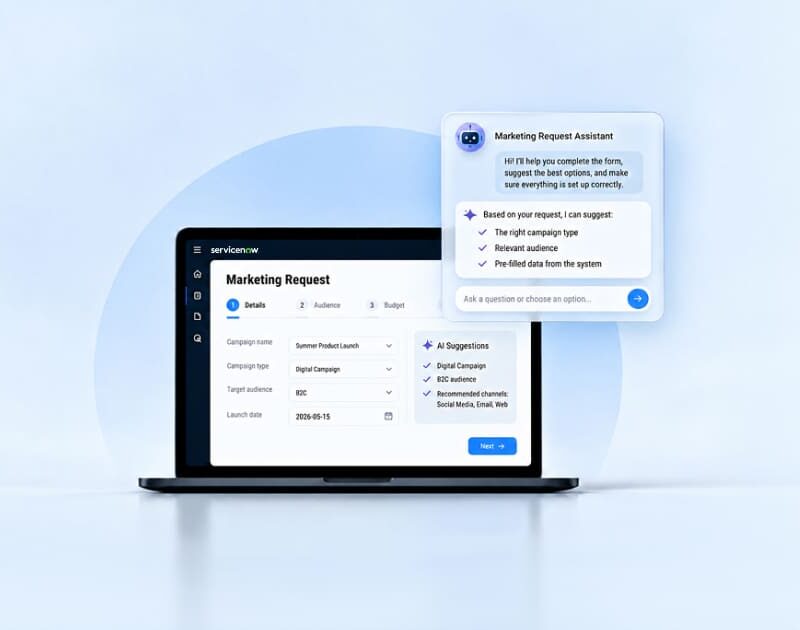
AI-Powered Marketing Request Assistant
ServiceNow application simplifying marketing intake through AI-guided form completion, automated data pre-filling, and real-time request tracking to improve submission quality and accelerate campaign delivery.
read more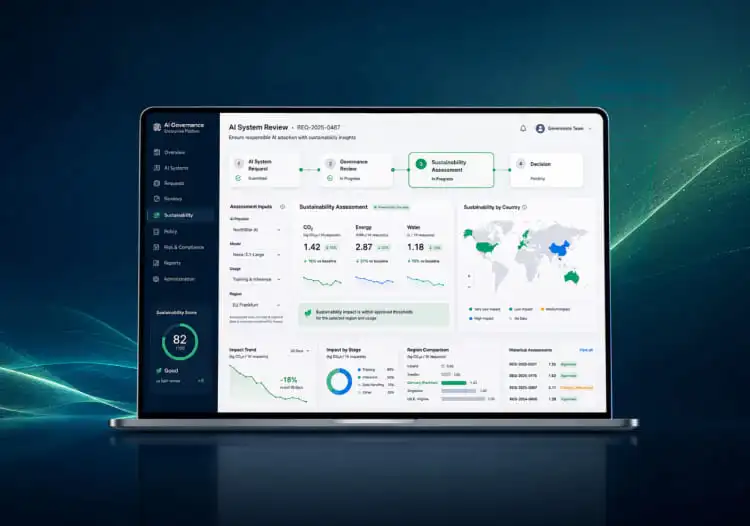
Sustainability Insights for ServiceNow AI Control Tower
Teiva Systems worked with a cloud sustainability partner to demonstrate how sustainability insights can be built into the ServiceNow AI governance experience — connecting an AI system request and review flow with a dedicated Sustainability Assessment and dashboard, so environmental impact is visible at the point of AI decision-making.
read more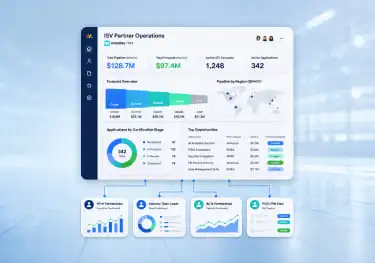
Monday CRM Workspace for ISV Partner Operations
Teiva Systems designed and configured a monday CRM workspace for сustomer ISV Build Partnership team — enabling structured partner pipeline management, role-based forecasting dashboards, and a scalable operating model across multiple regional teams.
read more